… and ended up discussing the future of WordPress
We recently joined Nathan Wrigley on the WP Builds podcast, ostensibly to talk about our new WordPress plugin, Slidey Panel.
And we did talk about Slidey Panel. Quite a lot, in fact.
But the conversation soon wandered into how Tommy and I came to work together, the changing demands of website clients, the rise of the Block Editor, the effect AI is already having on our work and whether people like us will still have jobs in a few years.
There was also some discussion of retro computers. Inevitably.
From SideMenu to Slidey Panel
Slidey Panel grew out of our experience with SideMenu, a plugin we originally created for classic WordPress themes.
The idea is straightforward: a button opens a panel that slides into view from the side of the website. It is useful for navigation, contact details, calls to action or almost anything else that needs to remain conveniently tucked away until it is required.
With WordPress increasingly moving towards blocks and block themes, we wanted to build a version that felt completely at home in the Block Editor.
Rather than introducing a special interface for constructing the panel, Slidey Panel uses an ordinary WordPress page. You build that page using whichever blocks you need, select it within the Slidey Panel block and WordPress displays its contents inside the sliding panel.
That “page as panel” approach keeps the plugin simple while leaving the contents almost entirely unrestricted.
Design meets development
The podcast also gave us an opportunity to explain how Web:D works.
Tommy has around 30 years of design experience and is responsible for making things look good. Olly has been programming since childhood, working with WordPress since 2007, and is responsible for making Tommy’s ideas actually work.
This arrangement occasionally involves Tommy asking why something cannot be done, followed by Olly complaining for a while and then finding a way to do it.
Slidey Panel is a good example of that relationship. It solves a practical design problem that has repeatedly appeared in our client work, but does so in a way that remains lightweight, flexible and recognisably WordPress.
WordPress, AI and an uncertain future
We also spoke about the broader state of WordPress and web design.
Smaller businesses now have far more options than they once did. Some are content with social media and a Linktree page, while others can assemble something themselves using Wix, Squarespace, hosted website builders or increasingly capable AI tools.
Our clients tend to come to us when their requirements are more complicated: bespoke functionality, unusual integrations, larger websites or existing WordPress installations that need rescuing.
AI is already changing how that work is done. It can help developers inspect code, plan changes and complete substantial pieces of work far more quickly than was possible only a short time ago.
That is both enormously exciting and mildly terrifying.
What AI is less good at replacing is the accumulated understanding of a client, their organisation and the people who will ultimately have to use the finished website. A technically functional result is not necessarily a well-designed, maintainable or appropriate result.
For now, at least, there is still value in combining design experience, development experience and actual human conversation.
We are hoping that remains true.
Listen to the episode
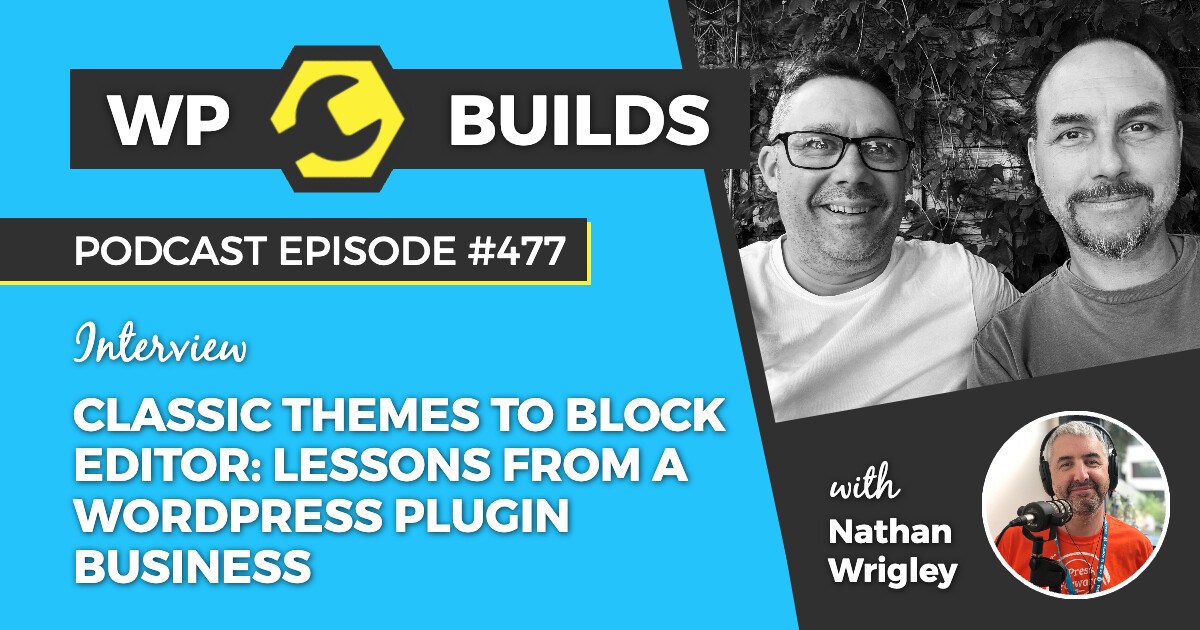
The episode is called “Classic themes to Block Editor: lessons from a WordPress plugin business” and features Olly Campion and Tommy Rockett in conversation with Nathan Wrigley.
Among other things, we discuss:
- Why we created Slidey Panel
- The transition from classic WordPress themes to blocks
- Running a small plugin and web development business
- How client expectations have changed
- The opportunities and risks presented by AI
- Why relying on a single successful plugin might not be a brilliant business plan
- Tommy’s unusually memorable surname
- Olly’s inability to avoid talking about old computers
Our thanks to Nathan for inviting us on and for allowing the conversation to roam well beyond the plugin we had originally turned up to discuss.
Try Slidey Panel
Slidey Panel is available free from the official WordPress Plugin Directory.
It adds a responsive off-canvas panel to a WordPress website, opened using a block that can be placed within posts, pages, templates and template parts.
Create your panel as a normal WordPress page, fill it with the blocks of your choice and let Slidey Panel do the sliding.