Slidey Panel is now live
Slidey Panel is now available in the official WordPress Plugin Directory and can be installed directly from your WordPress dashboard.
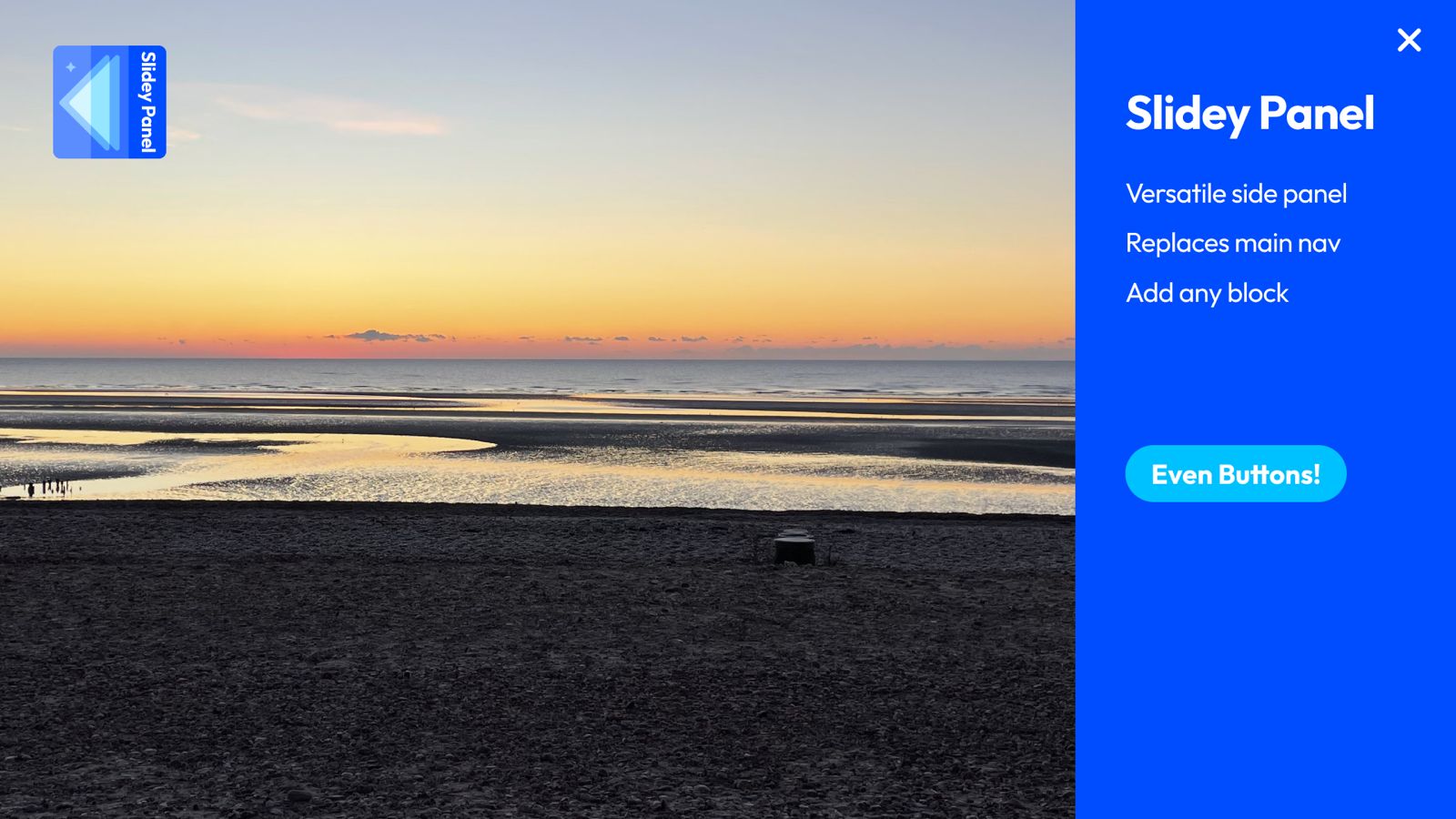
Slidey Panel adds a simple block-based sliding panel to WordPress. Add the block anywhere you can use blocks, choose a page to use as the panel content, and build that panel using the normal WordPress editor.
A simple sliding panel for block themes
Slidey Panel is designed for modern WordPress sites using the block editor. It can be used for off-canvas navigation, extra links, calls to action, contact details, supporting content, or anything else you want to tuck neatly behind a button.
If you use a block theme, you can also add the Slidey Panel block to your Header template and use it as a compact menu button, with the panel content built from standard WordPress blocks.
- Install directly from the WordPress Plugin Directory.
- Create panel content using a normal WordPress page.
- Use core blocks inside the panel.
- Add the Slidey Panel block to posts, pages, templates, or template parts.
- Keep the setup deliberately simple and lightweight.
Help shape what comes next
Slidey Panel has launched as a focused block plugin, but we would love to hear how people want to use it. If you need help, have a feature request, or want to suggest an improvement, please get in touch.
Panel patterns coming soon
We are also working on Slidey Panel example panel patterns. These will give you ready-made panel layouts that you can easily copy and paste into your own site, similar to using patterns from the WordPress Pattern Directory.
These examples will help users quickly build common panel layouts such as navigation panels, contact panels, promotional panels, and simple mobile menu replacements.
Install Slidey Panel
You can install Slidey Panel now from WordPress.org or by searching for Slidey Panel from the Plugins screen inside your WordPress dashboard.
Leave a Reply